Getting around JobSiteCore
Where help sits in the app, and what opens when you tap it.
-
Chapter 1 of 1 · Office
Where help lives
The question mark on the dashboard and your lists, the Help & videos row on a project, quote, invoice or customer, and the header on a computer.
0:53 · English audio · captions on screen
Read the chapter 1 transcript
Captions are burned into the video and are always on.
Help is built into the main screens of JobSiteCore, with videos that show the work being done.
On the dashboard and on your lists, tap the question mark at the top.
Each sheet holds the videos for that screen, and a short article when it has one.
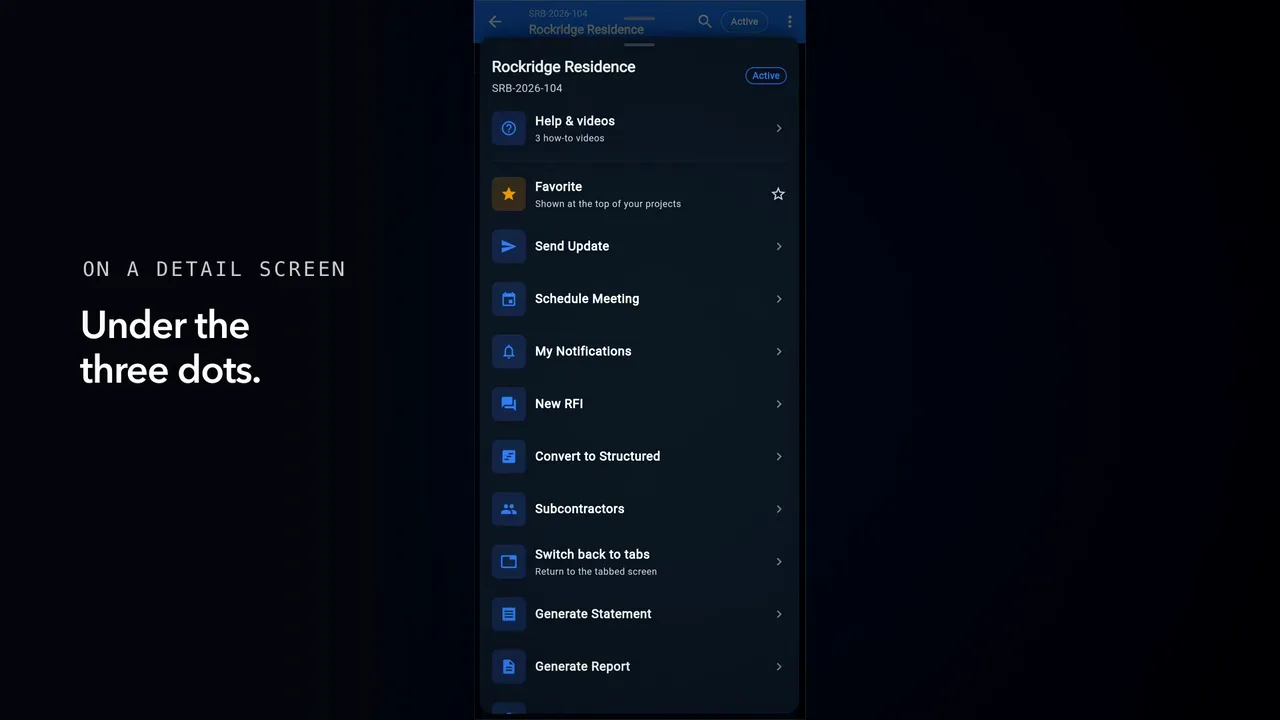
On a project, quote, invoice or customer, tap the three dots. Help and videos is the top row.
Pick a video and it plays right here, recorded in the real app.
On a computer, the question mark sits in the header. And the whole library is under Help and Support.
Captions are burned into every chapter and are always on. Every chapter has a written transcript.