How-to videos
Short chapters, recorded in the shipping app at normal speed.
Field
For the crew — on a phone, on site.
-
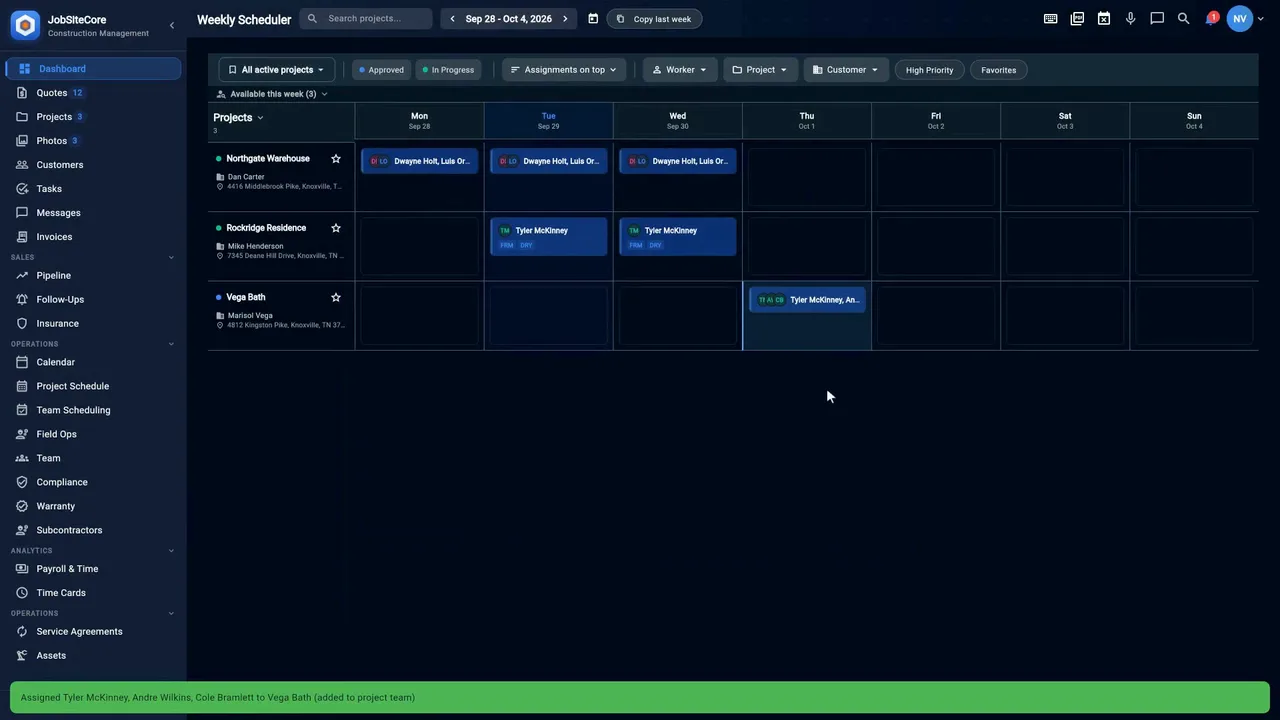
The job, the crew, the clock
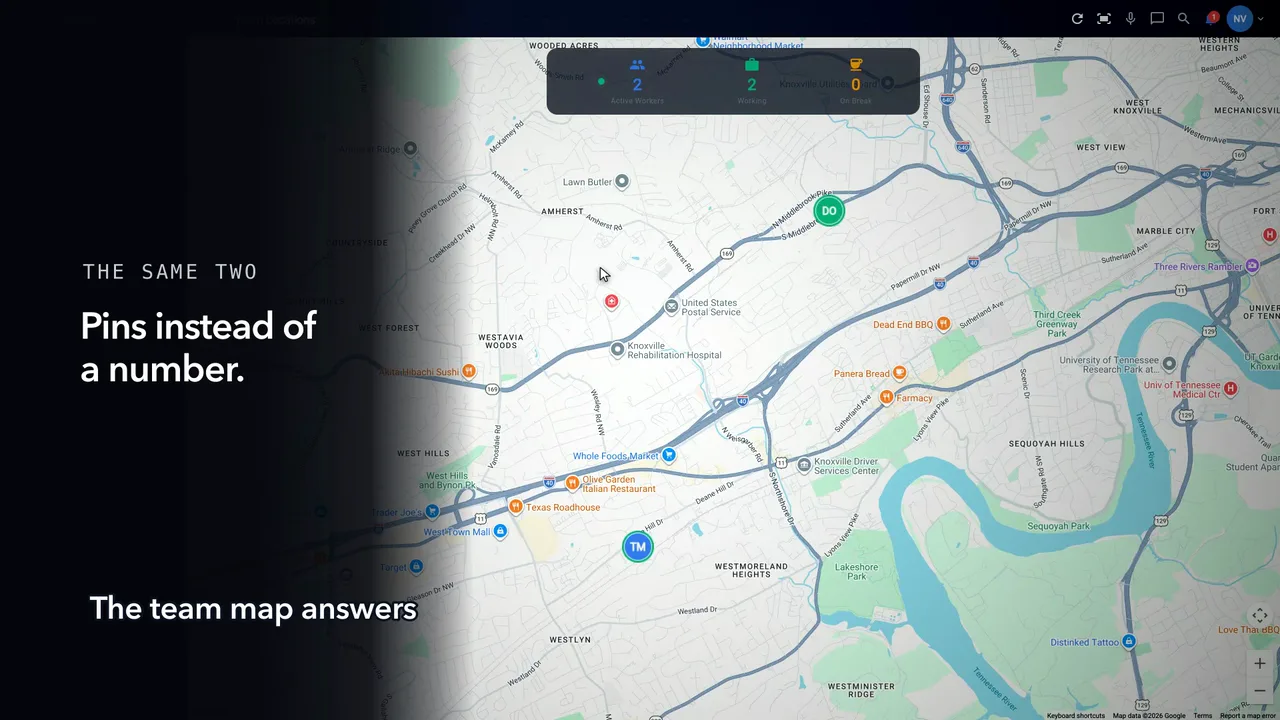
One job, from the knock at the curb to the crew on the clock. The lead lands in the pipeline, the job gets its inspection and phases, the crew gets pulled onto it, and the day runs on the time clock — with the email, text and push that go out along the way.
The job, the crew, the clock
-
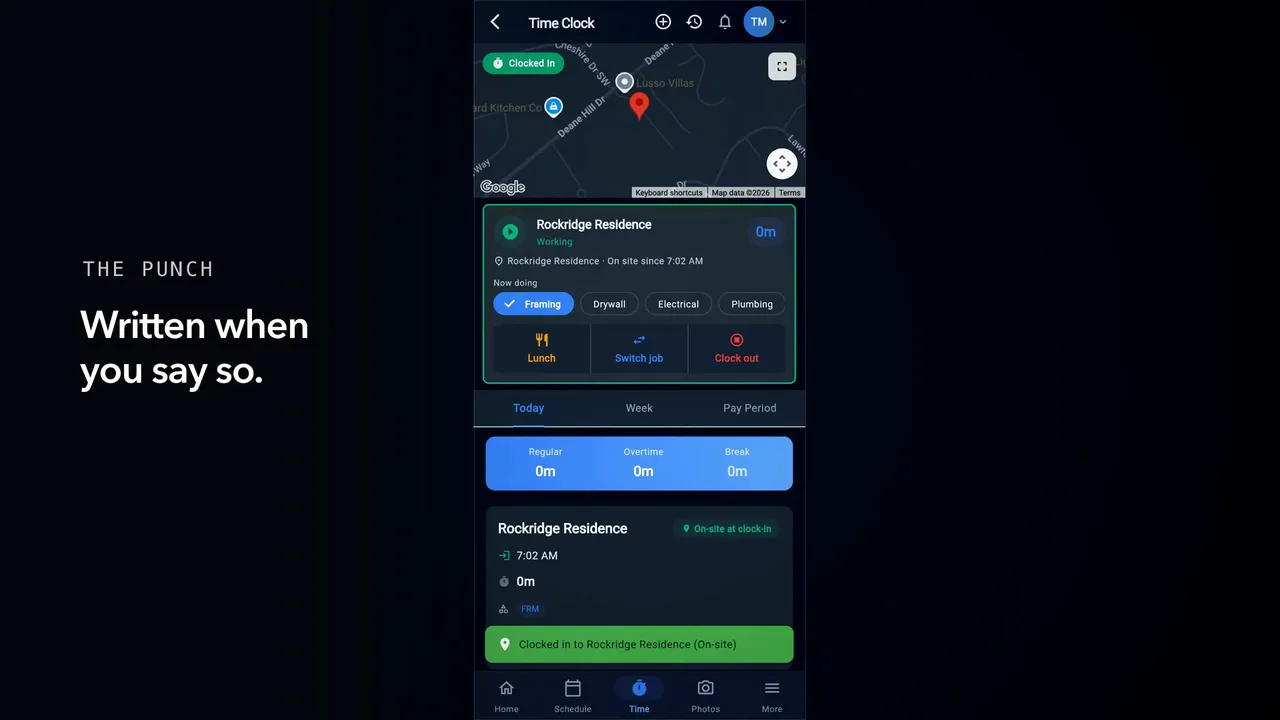
The Time Clock, start to finish
Clock in, work the day, clock out — and what to do the day you forget.
Clocking in · Through the day · Clocking out — and the day you forget
Office
For whoever runs the week from a desk.
-
See the whole job
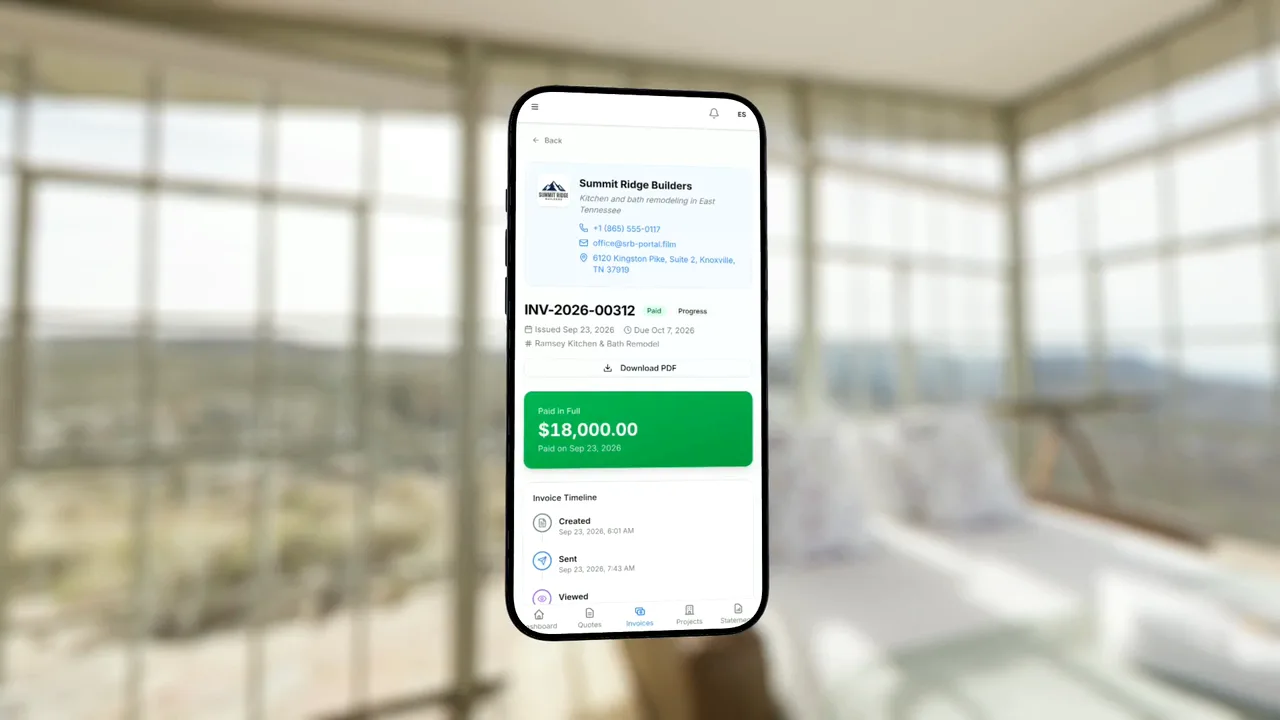
From the knock at the curb to a paid invoice. Start from the Lock Screen, capture the lead, talk a quote into line items, get the e-signature from the customer portal, see the crew on the clock, assign the week — one app. Customers can pay the invoice from the portal.
JobSiteCore, knock to paid
-
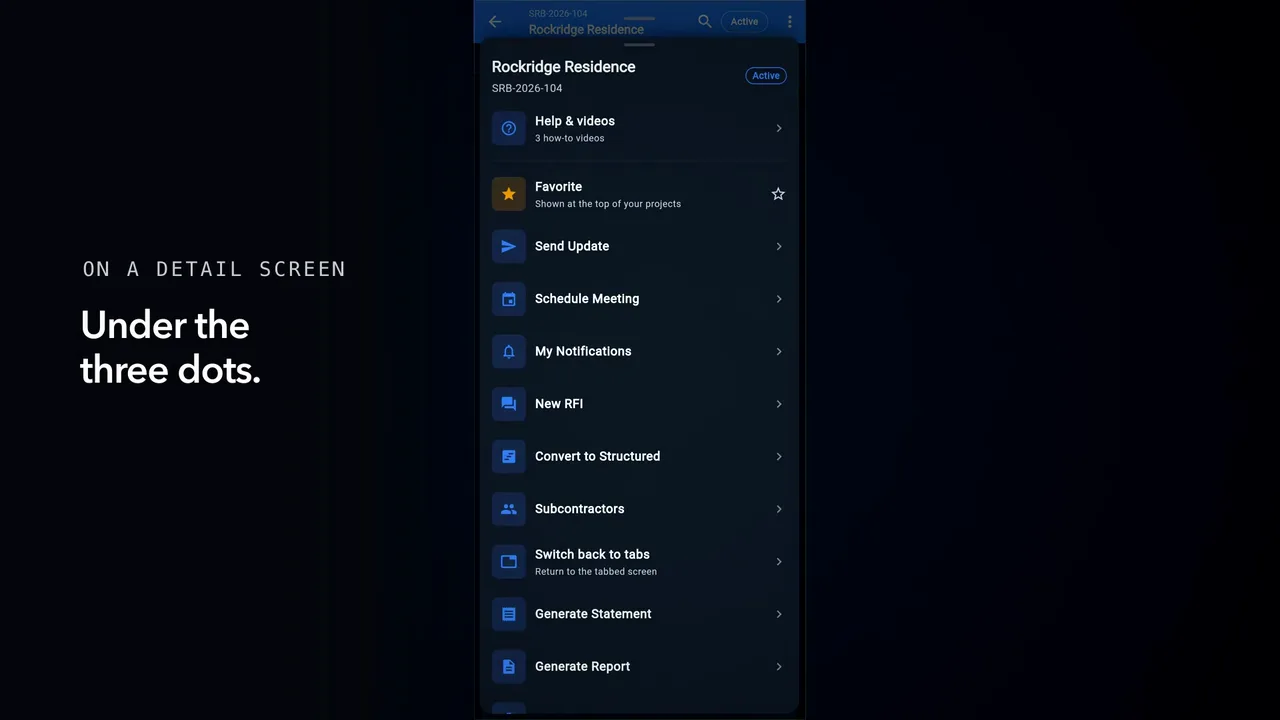
Getting around JobSiteCore
Where help sits in the app, and what opens when you tap it.
Where help lives
-
The Time Clock, start to finish
Clock in, work the day, clock out — and what to do the day you forget.
The office: who is on the clock · Reconciling hours · Closing the period
-
The customer portal, end to end
One quote, one job, one customer — what the office sends, what the customer sees, and what comes back.
Sent · Opened · Asked and answered · Accepted · While the job runs · A change to the contract · Paid
-
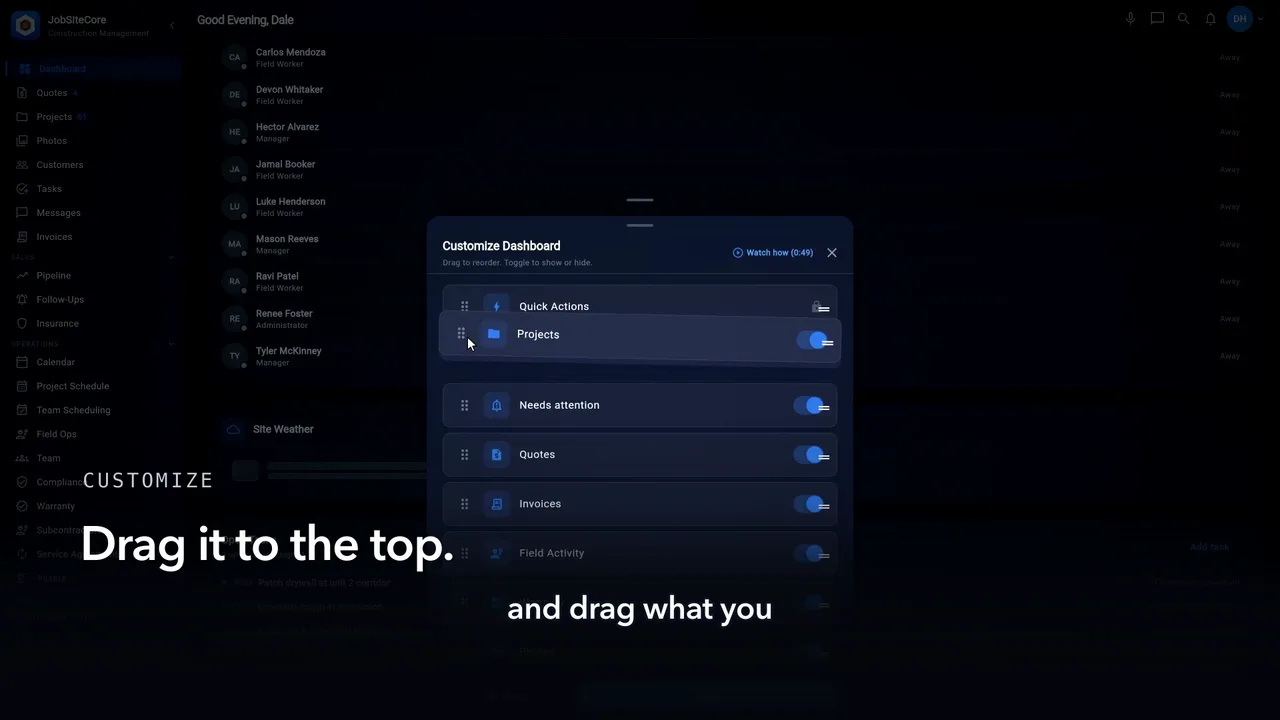
Make the dashboard yours
Choose what your dashboard opens on, and the order you want it in.
Customize your dashboard
-
Win the work
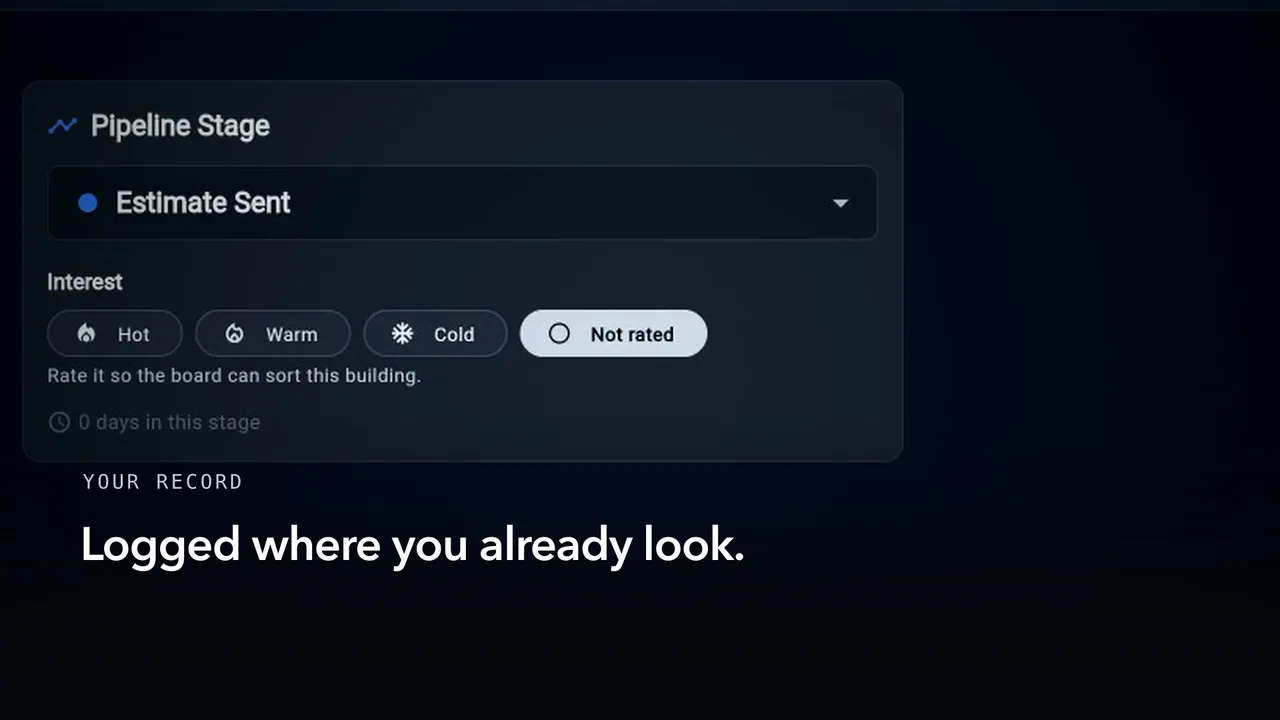
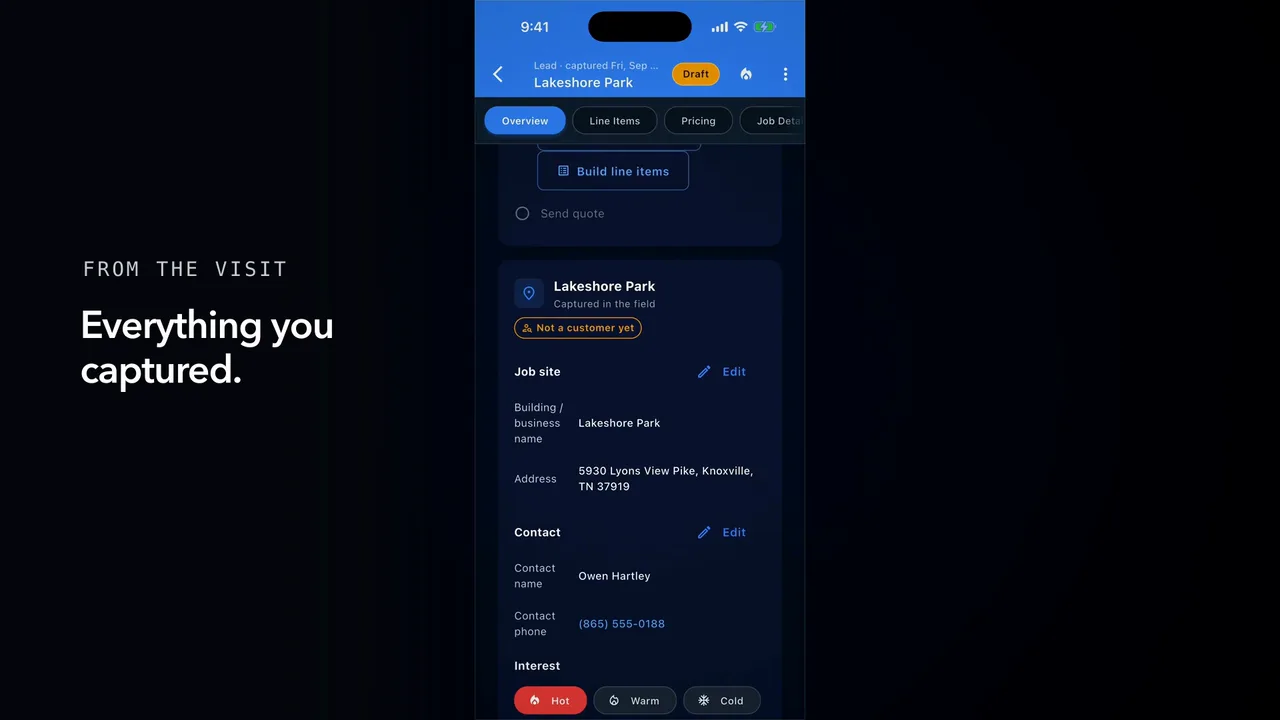
From the curb to a won job, capture a lead and work the pipeline. Keep the follow-ups, and see which quotes are slipping.
Capture a lead · The pipeline · Follow-ups · Estimator oversight
-
Running the job
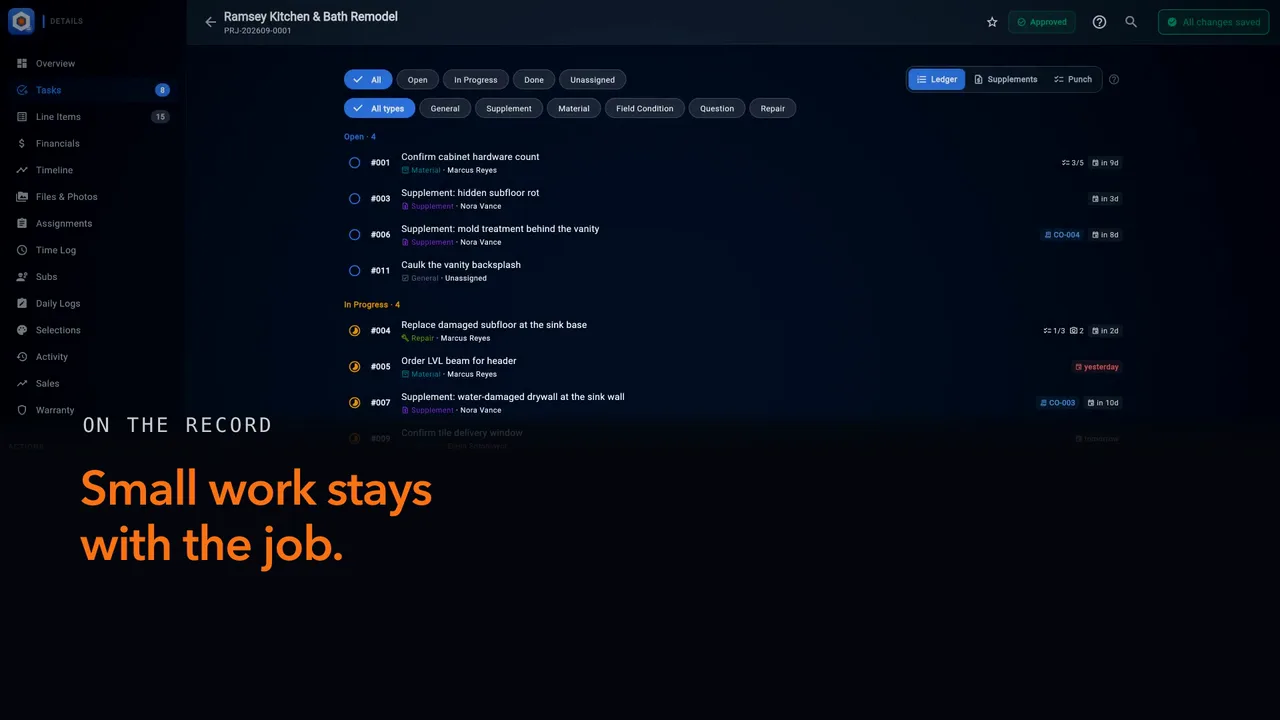
Tasks, customer texts, meetings, subs, RFIs and the carriers behind your claim work, each kept on its job.
Tasks on every job · Texts and job messages · Meetings on the job · Your subcontractors · RFIs on the job · Your carriers and adjusters
-
When the call comes in
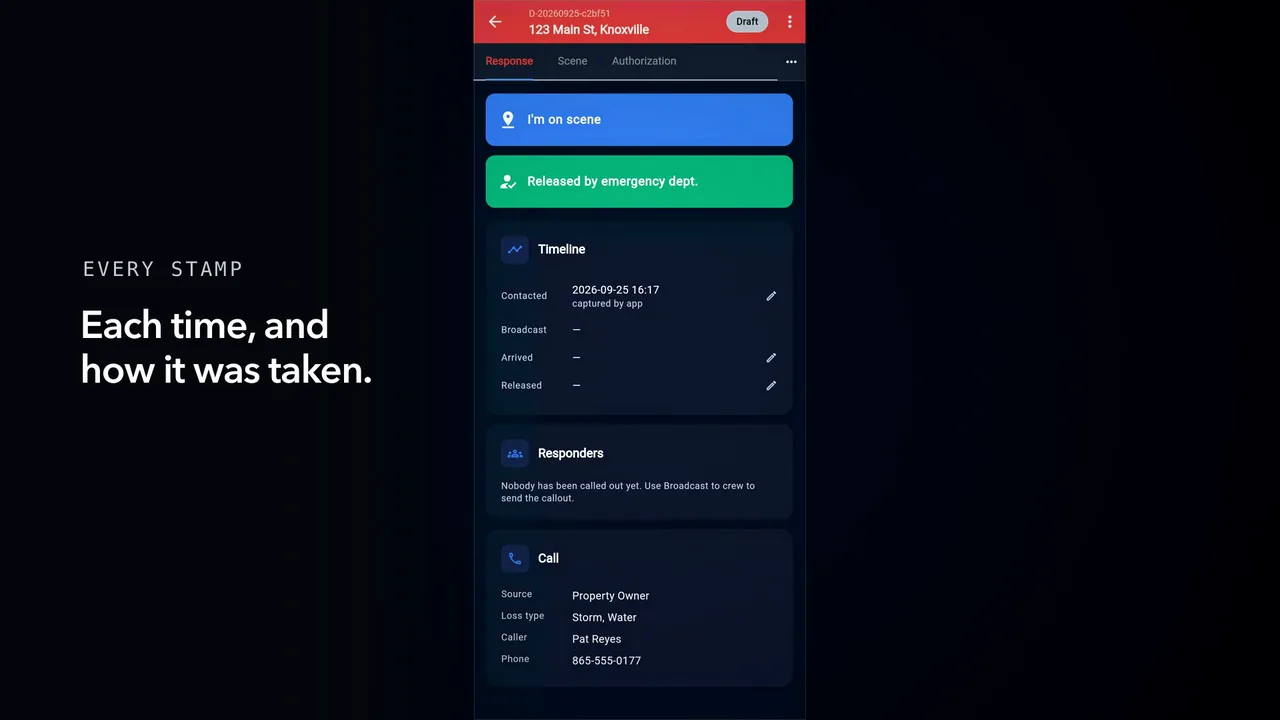
When a call comes in, log the callout and call the crew from it. Capture the signed authorization on scene, and carry it into the pipeline.
Log a callout · Call the crew · Authorization on scene
Captions are burned into every video and are always on. Every chapter has a written transcript.