See the whole job
From the knock at the curb to a paid invoice: start from the Lock Screen, capture the lead, talk a quote into line items, get the e-signature from the customer portal, see the crew on the clock, assign the week — one app. Customers can pay the invoice from the portal.
-
Chapter 1 of 1 · Office
JobSiteCore, knock to paid
The whole job in one film, from the knock at the curb to a paid invoice.
1:02 · English audio · captions on screen
Read the chapter 1 transcript
Captions are burned into the video and are always on.
Every job starts with a knock.
Start from the Lock Screen. The app suggests the job — you confirm.
Capture the lead at the curb — address, photos, a note.
At the desk, your leads on a map — listed by town.
Dictate the walk-through. You get itemized line items you can edit.
Send it. The customer signs in their portal — an e-signature with an archived, timestamped PDF.
The crew clocks in on site. The office sees who's on the clock. Now.
Assign the week. The crew taps Got it.
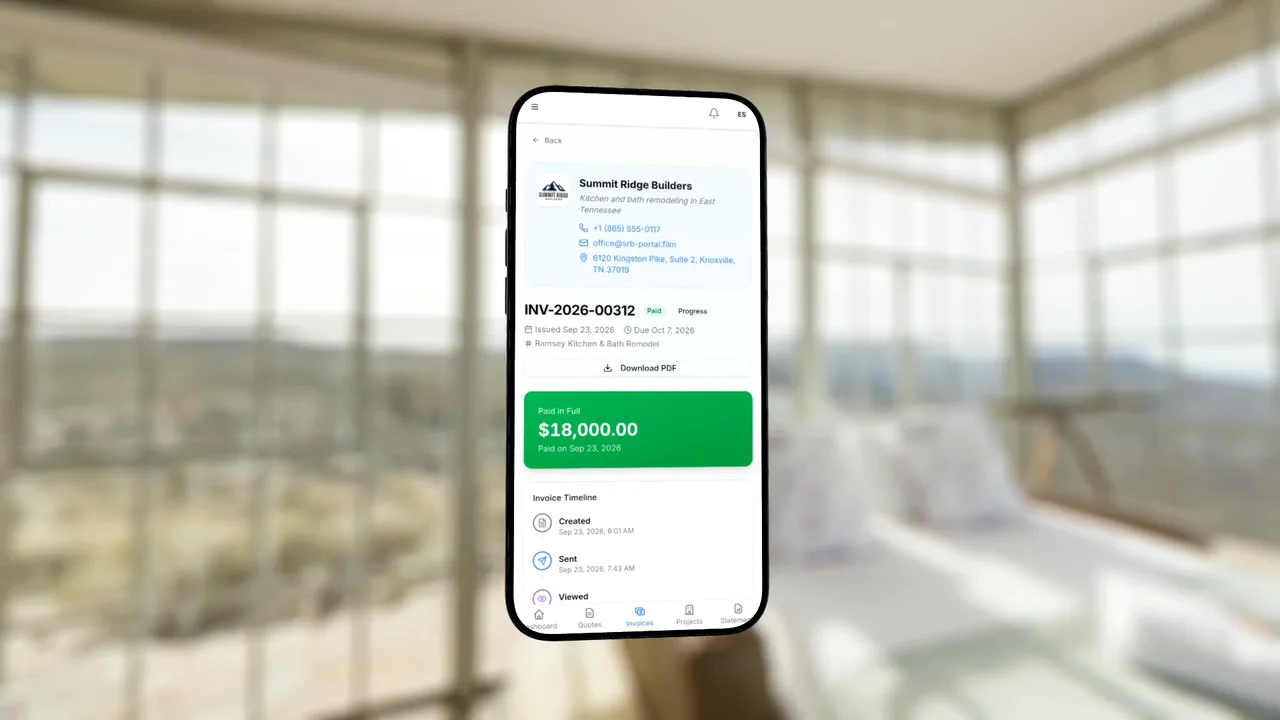
Invoice the job. Customers can pay the invoice from the portal.
Your dashboard, your order. Then the next knock.
JobSiteCore. Request early access at jobsitecore.com.
Captions are burned into every chapter and are always on. Every chapter has a written transcript.