Assign it once — and see who's seen it
43 seconds, recorded in the shipping app at normal speed.
Read the transcript
Captions are burned into the video and are always on.
Your week, every crew, every job — this is the schedule your jobs actually run on.
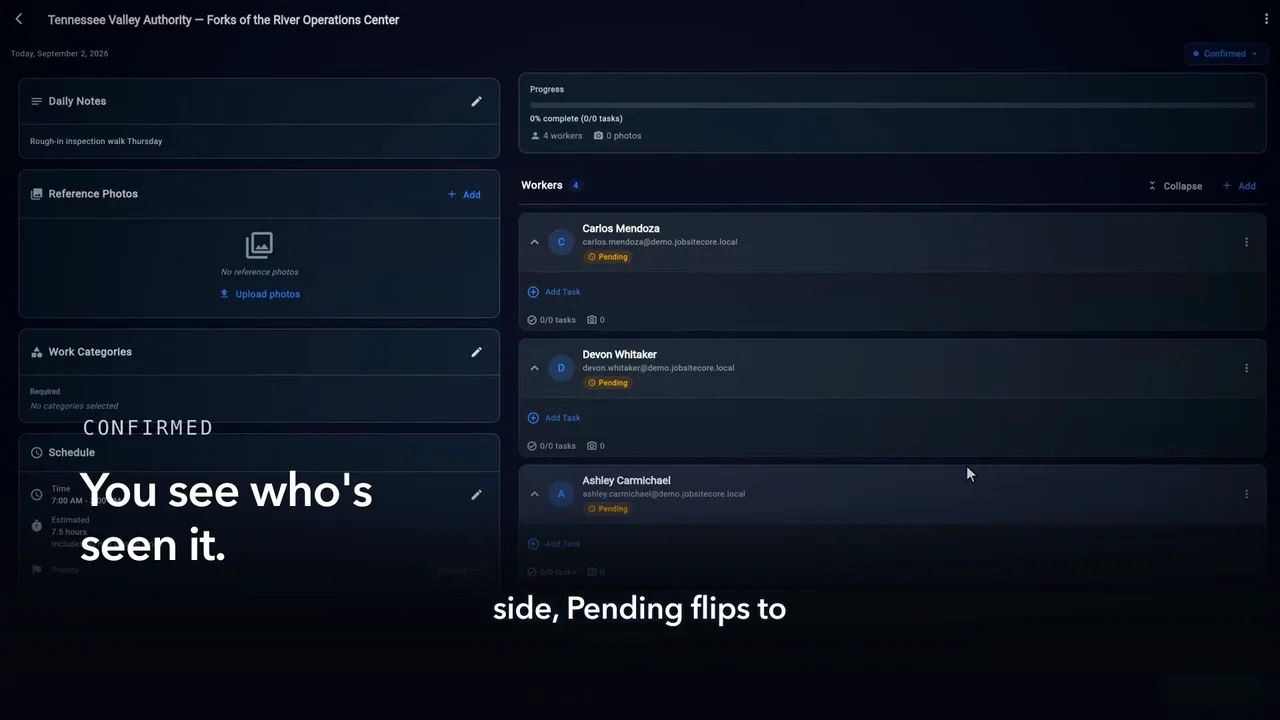
Open today’s job, tap Add, and put Tyler on the crew. That’s the assignment.
On Tyler’s phone: the job, the day, the hours. He taps Got it.
And back on your side, Pending flips to confirmed. You know who’s seen the plan.
No group texts. No morning phone tree. The schedule tells the crew — and the crew tells you.