Pick what your dashboard shows
49 seconds, recorded in the shipping app at normal speed.
Read the transcript
Captions are burned into the video and are always on.
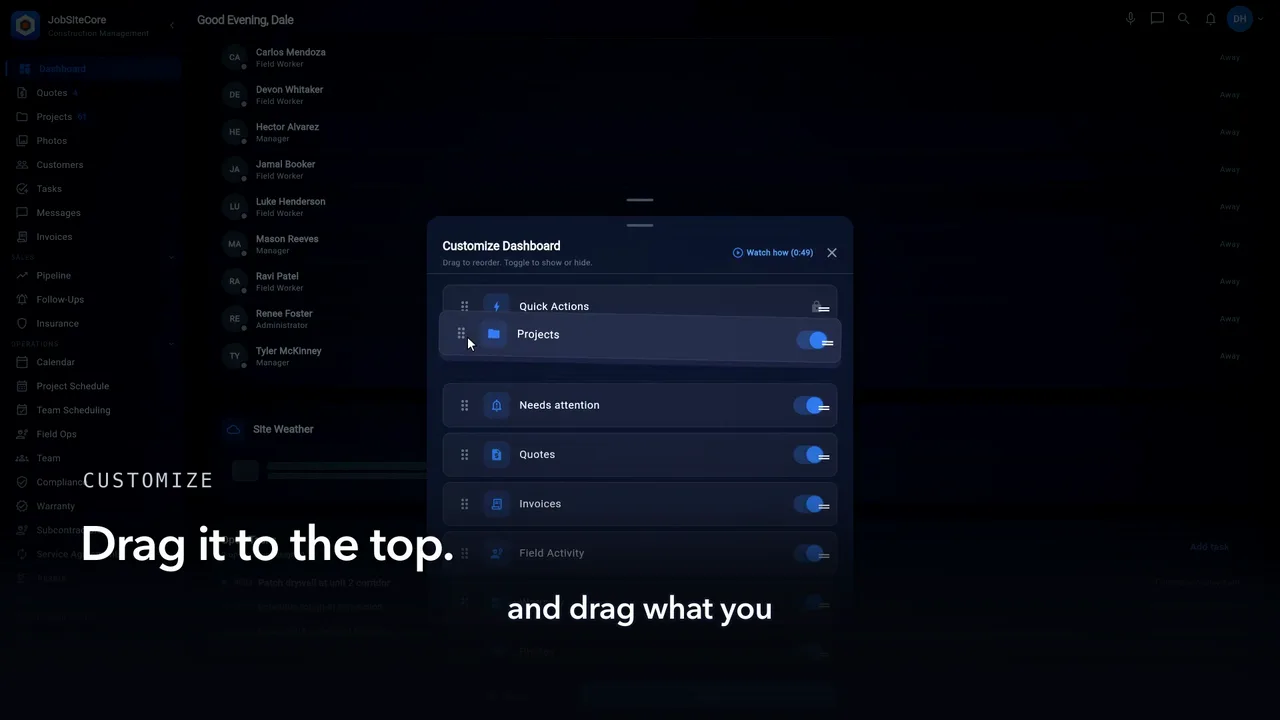
Every crew runs different. Your dashboard should, too. Scroll to the bottom of the home screen and tap Customize.
Everything the dashboard can show is in this one list. Don’t use a section? Toggle it off. It’s hidden, not deleted. Change your mind later — toggle it right back.
Grab the handle, and drag what you check every morning to the top.
Quick actions work the same way. Tap Customize on the shortcut row. Keep the actions you use. Drag them into your order.
Back on the dashboard: your layout, your order, ready to work. Set it once. It’s your home screen now.